 ChatGPT
 Claude
 Grok
Grok Perplexity
 Gemini
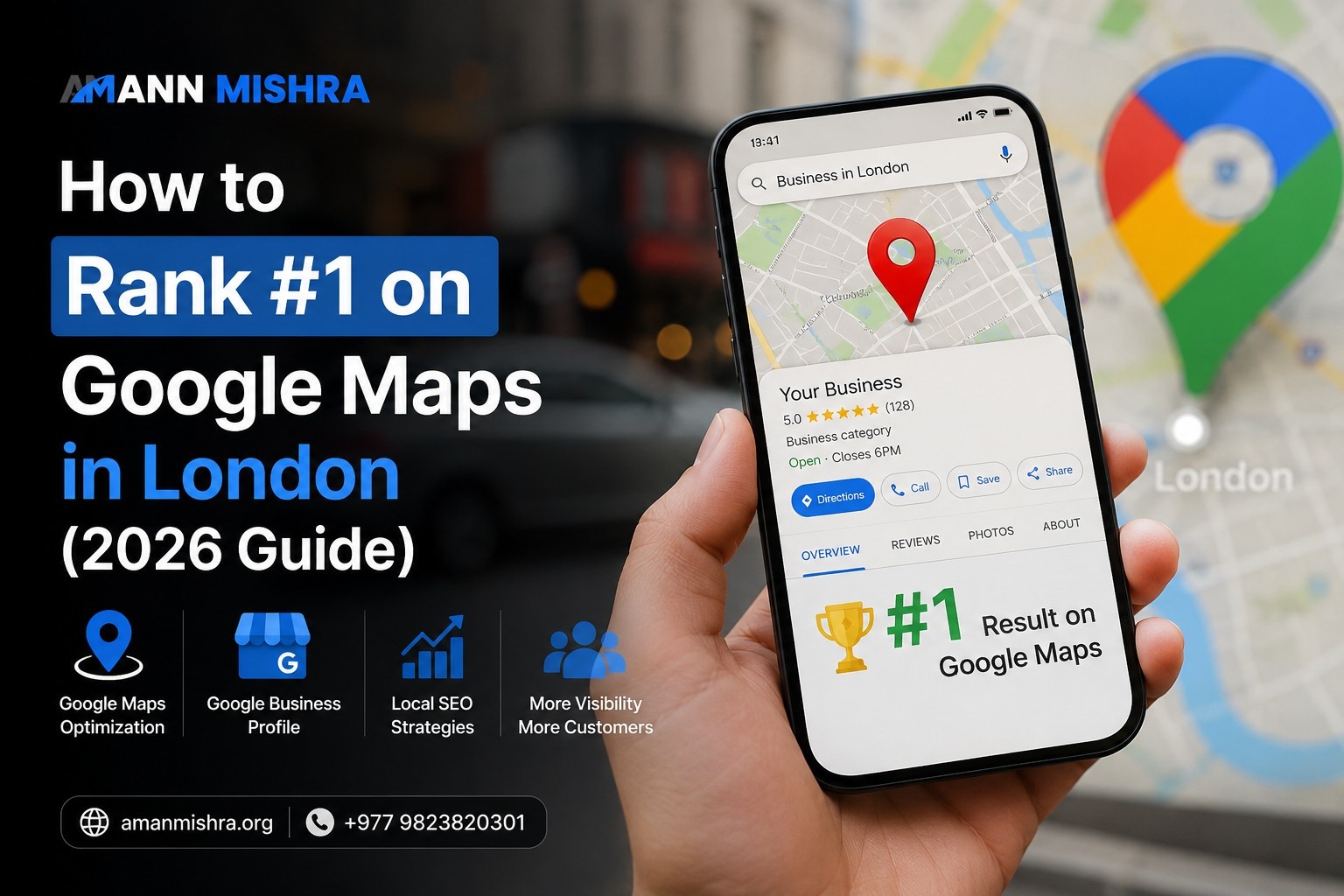
Google looks at three things when it ranks your business on Maps. These are how close you are to the searcher, how well your profile matches what they typed, and how much people trust your business. You cannot change how close you are. But you can win on the other two. Fix your Google Business Profile, keep your details the same everywhere, and get real reviews often. Do this well, and most London businesses start to move up within 60 to 90 days.
Key Takeaways
-
You cannot control how close you are to the searcher, but you can control the other two big factors
-
Picking the right category on your Google profile matters more than most people think
-
New reviews that come in often beat a big pile of old reviews
-
Your website still helps, but your Google profile does most of the work
-
Small, steady effort each month beats one big push and then nothing
Have you ever typed your own business name into Google and felt your stomach drop when three other shops popped up first? You are not alone. This happens to a lot of business owners in London. And it usually comes with the same question. "But our website looks so much better than theirs."
Here is the truth. Google Maps does not care whose website looks nicer. It cares about one thing. Can it trust your business to be the right answer for someone standing nearby, phone in hand, needing help right now? That is a very different game than normal search results. And London makes it harder. This city has over one million private businesses, based on data from the UK government. It is one of the most crowded local markets anywhere in the country.
This guide shows you what Google actually looks at, what you can fix, and where to start.
Why Google Maps Works Differently in London
Google's own help pages say that Map results depend on distance, how well you match the search, and how trusted you are. In a busy city like London, distance matters even more than most people guess, simply because there are so many other shops nearby.
Picture a job interview. There are fifteen other people just like you waiting in the next room. Matching the search gets you noticed. Trust gets you remembered. But distance often decides who actually gets picked, because Google guesses that people want the closest good option, not the best one three miles away.
In a smaller city, one good website and a few reviews might be enough. In London, with dozens of similar shops in every area, you need to work much harder on the two things you can control. Our guide on getting more local customers in London walks through this in more detail if you want the bigger picture first.
Google also keeps changing how it ranks local results, alongside the wider shift in how SEO is changing this year. None of that changes the three factors above. It just means the businesses that keep up tend to stay ahead of the ones that fix things once and stop.
Fix Your Google Business Profile
Your Google Business Profile is your biggest tool. Pick the right main category, keep your name, address, and phone number the same everywhere, and fill in every field. This alone fixes most of the problems we find when we check a business profile.
Pick the Right Main Category
This sounds too simple to matter. That is exactly why so many people get it wrong. A locksmith listed under "Hardware Store" because someone typed it wrong years ago will never show up when someone needs help fast.
Check your main category today. It should match, almost word for word, what someone types when they need you in a hurry. You can add other categories too, but the main one carries the most weight.
Keep Your Details the Same Everywhere
Your name, address, and phone number need to match, word for word, everywhere they appear. Your website, your Google profile, and every business directory. "12 Baker Street" and "12 Baker St." look the same to you. To Google, small differences like this can quietly hurt trust.
Fill In Every Single Field
Your business hours, services, and features all send signals to Google. A half finished profile is not neutral. It puts you behind every competitor who took the time to finish theirs. It also helps to run proper keyword research so the words you use in your profile actually match what people search for.
Get More Reviews, and Get Them Often
How many reviews you have matters less than people think. Google cares more about how often new reviews come in and how recent they are. A steady flow of a few reviews each month beats a huge pile that stopped growing years ago.
During our checks on London businesses, we keep seeing the same thing. A business with 400 reviews sitting behind one with only 60, simply because those 60 kept coming in steadily over the last few months. The business with 400 stopped getting new ones back in 2023. Google reads that as a business that used to matter and does not anymore. A person searching would probably feel the same way.
What actually works:
-
Ask every single time, not just once in a while
-
A short text or email after each job works well
-
Ask for details, not just a star rating
-
Reply to every review, good or bad
One warning. Never pay for reviews or offer gifts for them. This breaks Google's rules and can get your whole profile shut down. It is simply not worth the risk.
A quick example: Think about a dentist in Camden. Instead of asking for reviews once a year, she starts sending a short text the day after each visit. Within a few months, new reviews come in steadily instead of all at once. This is just an example to show how the idea works, not a real case we tracked.
Help Your Website Support Your Ranking
Your website will not replace your Google profile, but it still helps. Add your map, use the right code behind the scenes, and build simple pages for each area you serve.
A few easy wins for your site:
-
Add your real Google map to your contact page
-
Use LocalBusiness code so Google can read your address and hours easily
-
Build a simple page for each area you serve, like "plumber in Camden"
-
Check your site often for slow pages or broken links, which is covered in our technical SEO checks guide
If you also sell things online next to your shop, our online store SEO tips cover that side of things. And if you plan to build several area pages, grouping them the right way helps too, which we explain in our guide on grouping related pages together.
Local Links Still Help
A mention from a real London news site, local group, or business directory carries more weight than a random link from anywhere in the world. Local business groups and area directories are often ignored, even though they work well.
Common Mistakes That Hold Businesses Back
Most stuck rankings come down to one of these:
-
The wrong category on your profile
-
Missing hours, services, or details
-
Reviews that stopped coming in
-
Different addresses listed in different places
-
Ignoring your location, and hoping good content alone will fix it
That last point matters a lot. You cannot move your shop closer to every single searcher. But you can make sure that when distance is not on your side, everything else is.
A Simple 30 Day Plan
Week 1: Fix your category, check your details match everywhere, and fill in missing fields.
Week 2: Set up a simple system to ask for reviews after every job.
Week 3: Add your map and the right code to your website.
Week 4: Build one new area page, and reach out to two or three local sites for links.
Keep doing the review and content steps every month. This is not a one time fix. Steady work beats one big push, every time.
Frequently Asked Questions
How do I get my business to show up on Google for free?
Fill out your Google profile completely, keep your details the same everywhere, and get real reviews often. You do not need to pay for tools to do this well.
How can I rank higher on Google Maps?
Focus on the three things Google checks. Distance, how well you match the search, and trust. A full profile with steady, recent reviews covers two of these well.
Is there a free way to check my Google Maps ranking?
Yes. Try searching from a few different spots nearby. Free tools also exist that check your ranking from many locations at once.
What should be on my Google profile checklist?
The right category, a full business description, correct hours, every feature filled in, regular photos, and replies to your reviews.
How long does it take to rank well in a busy city like London?
Most businesses see real movement within 60 to 90 days of steady work. Busy areas in central London can take a bit longer.
Why am I not showing up on Google Maps at all?
The most common reasons are the wrong category, a half finished profile, mismatched details, or simply being further away than your competitors.
How often should I post on my Google profile?
Once a week is a good starting point. Being consistent matters more than posting a lot.
Do posts on my profile actually help rankings?
A little. They help keep your profile active, but they matter less than your category, your details, and your reviews.
Do links from other sites affect my Google Maps ranking?
Yes, but quality matters far more than quantity. A few real, local links beat a large pile of random ones.
Can I rank well without an office that customers visit?
Yes, Google allows this for service businesses. You will need to set your service area carefully, since it takes the place of a normal address.
Want Help Getting This Done?
By now you probably already know what needs fixing. The hard part is doing it every single week while running your business at the same time.
If you would rather have a team handle it for you, our SEO team in London can run a free check on your profile first, so you know exactly where things stand before anything else happens.